A shortcut on every job posting
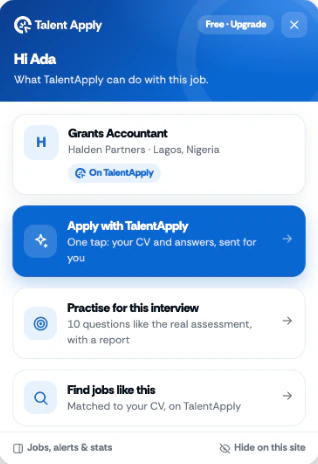
On a job posting it offers one-click routes: apply with TalentApply if the job is on TalentApply, or practice for the interview.
Your details and CV go into the form for you. AI answers the other questions from your real CV. You read everything and press submit.
Works in Chrome, Edge and Brave on a computer.
On your phone?
The extension is for your computer. Send yourself this page and open it there.
Works on application forms across the web, including
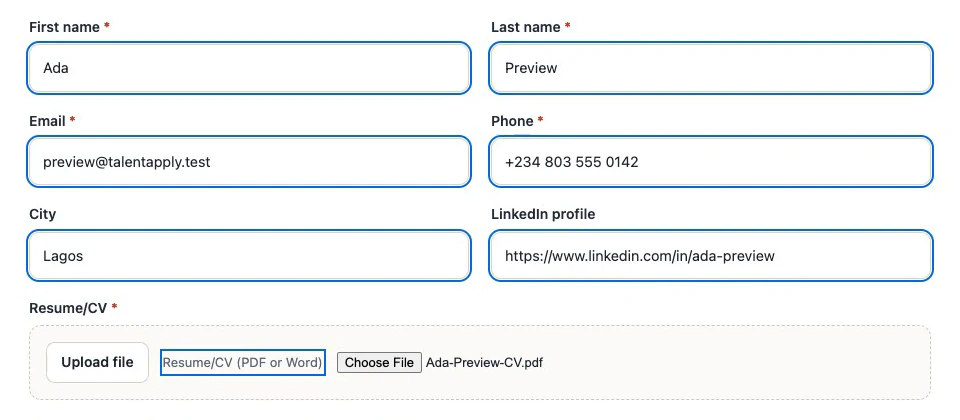
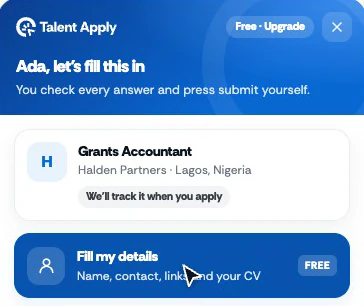
Your name, contact details, links and CV go into the form for you, so you stop typing the same things on every job site.
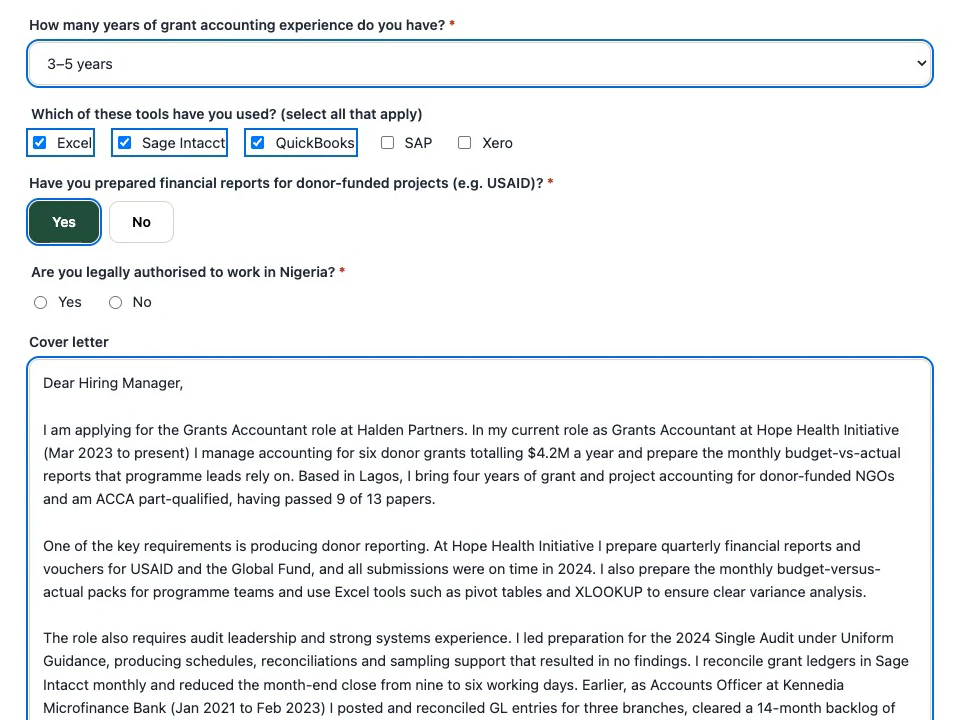
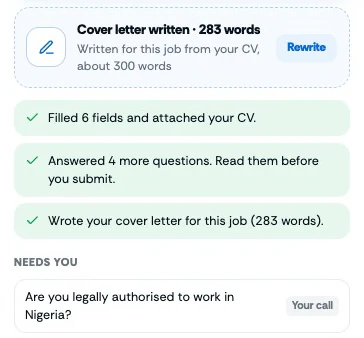
Press Fill the rest with AI and it answers the other questions from your real CV, including dropdowns, Yes/No and “select all that apply”. It also writes a cover letter for the job, about 300 words.
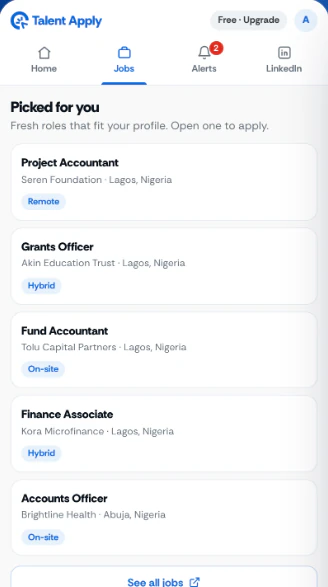
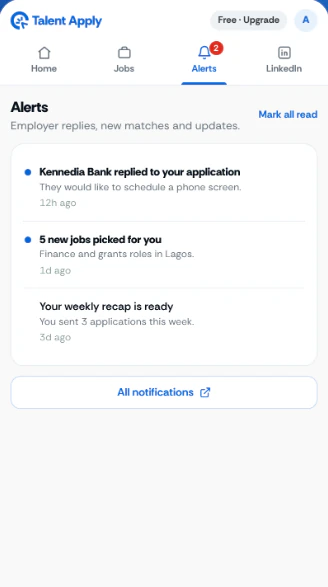
Open the side panel next to any page for today's job picks, your applying stats and alerts such as replies from employers.
On a job posting it offers one-click routes: apply with TalentApply if the job is on TalentApply, or practice for the interview.
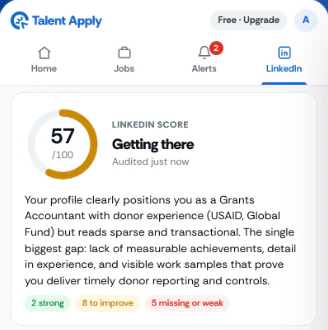
Open your LinkedIn profile and it gives the profile a score and tells you what to fix.
The extension fills the form. You decide what is sent.
It fills the form. You read every answer and press submit yourself.
On job pages it only checks whether the page is a job posting, so it can offer help.
Consent, gender and work authorization questions are marked “Needs you”, not answered.
Three steps from here to your first filled form.
One click from the Chrome Web Store. It is free.
Use your TalentApply account, or create one for free. Your profile and CV come with you.
Check what it wrote, change anything you like, and press submit yourself.
What it costs, where it works and what it reads.
Yes. Adding the extension is free, and so is filling in your details and CV. AI-written answers and cover letters have a monthly allowance on the free plan and a much larger one on Premium.
It works on application forms across the web, including Greenhouse, Lever, Ashby and most employers' own careers pages. Some forms are built in unusual ways; where it cannot fill a field, it tells you so you can fill it yourself.
No. It fills the form and you stay in charge: you read every answer and press submit yourself. It never submits anything on its own.
Chrome, and browsers built on it such as Microsoft Edge and Brave, on a computer. It does not run on phones. On a phone, use the TalentApply mobile app.
It reads an application form only when you press Fill. On job pages it checks whether the page is a job posting, so it can offer to help.
Free to add. Works in Chrome, Edge and Brave on a computer.
New to TalentApply?